Step 1
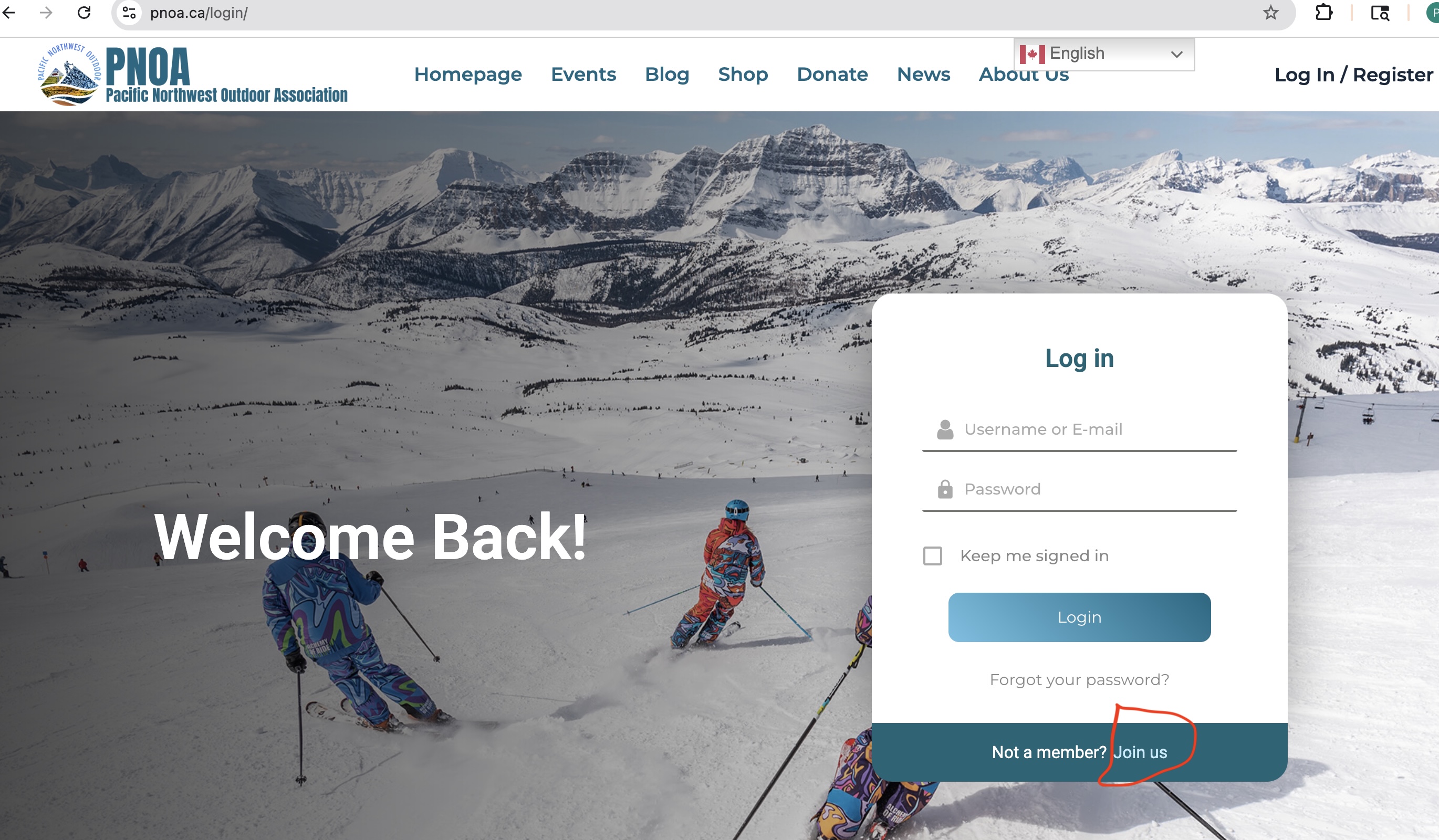
Go to https://pnoa.ca, click the Log in/Register link. A small login screen appears. At the bottom, click Join us.
A step-by-step guide to joining PNOA.
Go to https://pnoa.ca, click the Log in/Register link. A small login screen appears. At the bottom, click Join us.
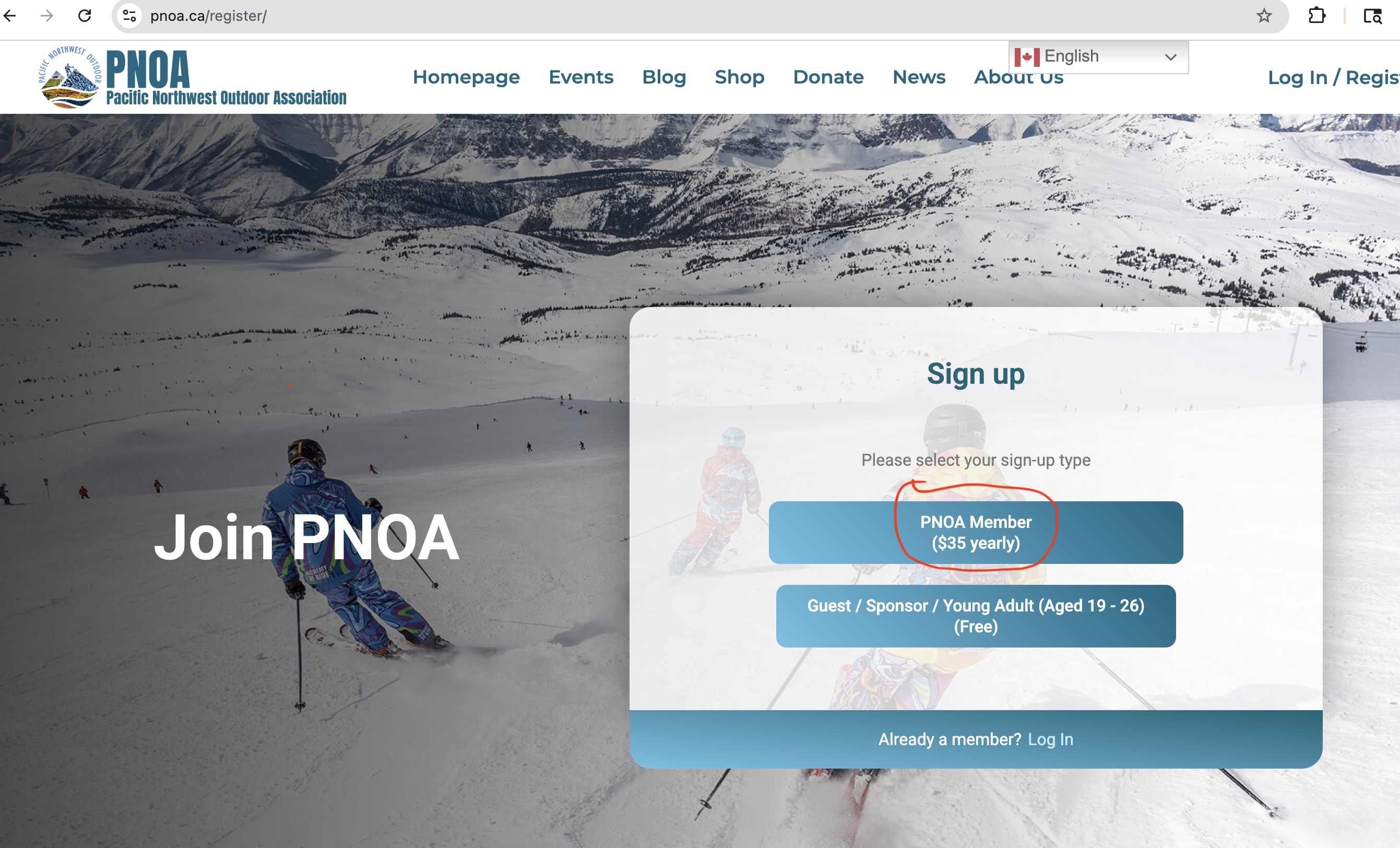
On the sign-up type screen, choose PNOA Member ($35 yearly).
Fill in your personal information. It is recommended to use your legal name (same as your medical card).
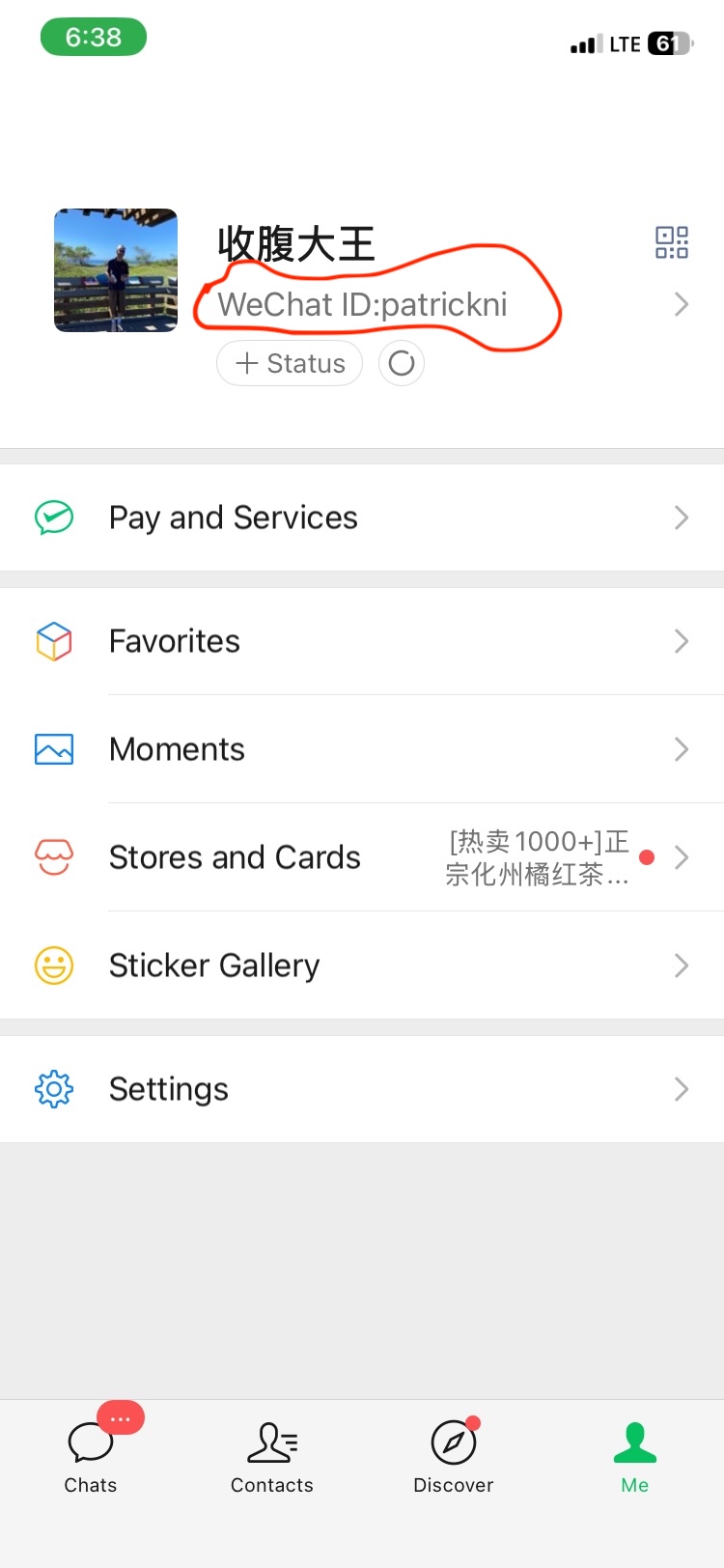
You can find your WeChat ID in the WeChat App.
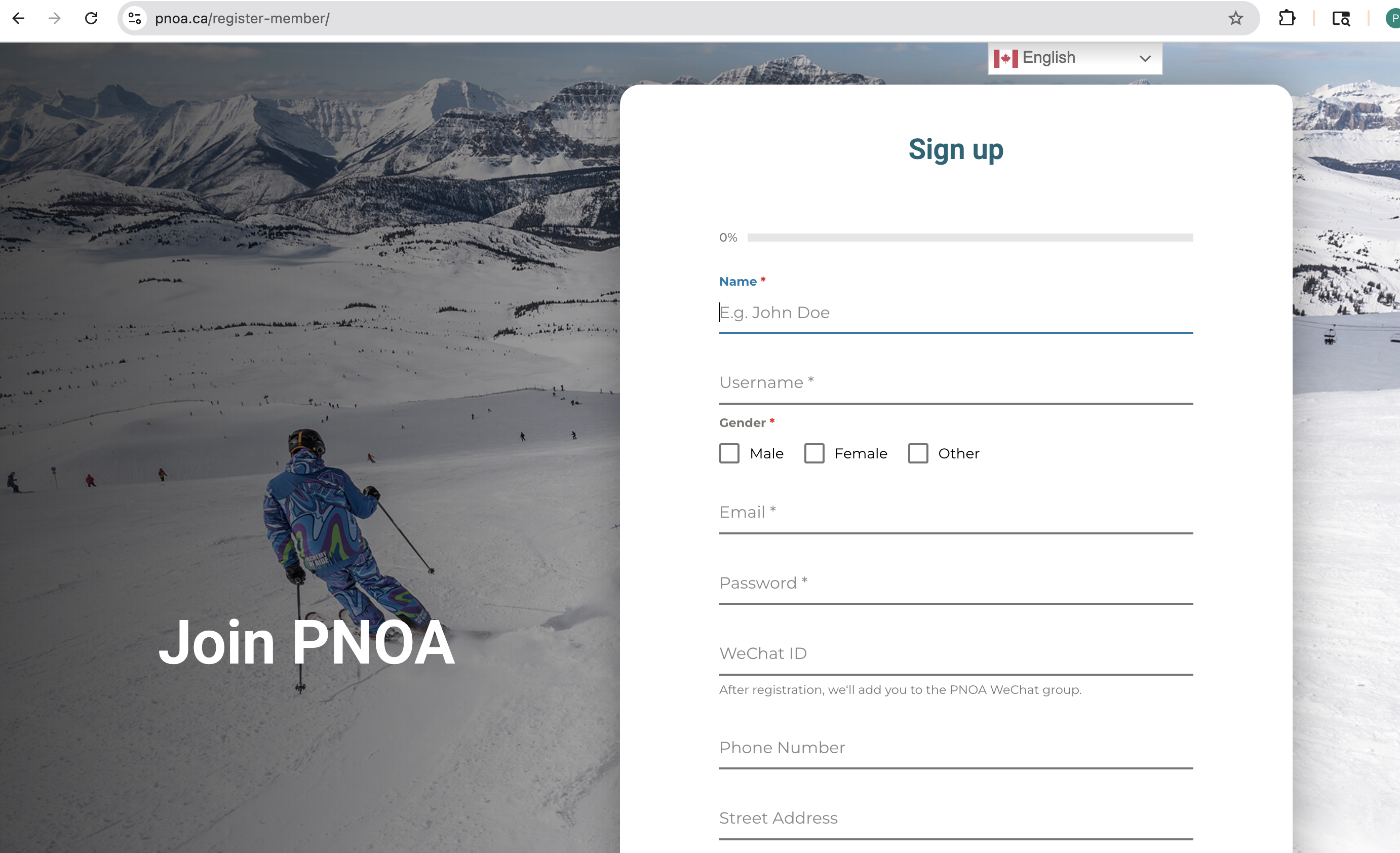
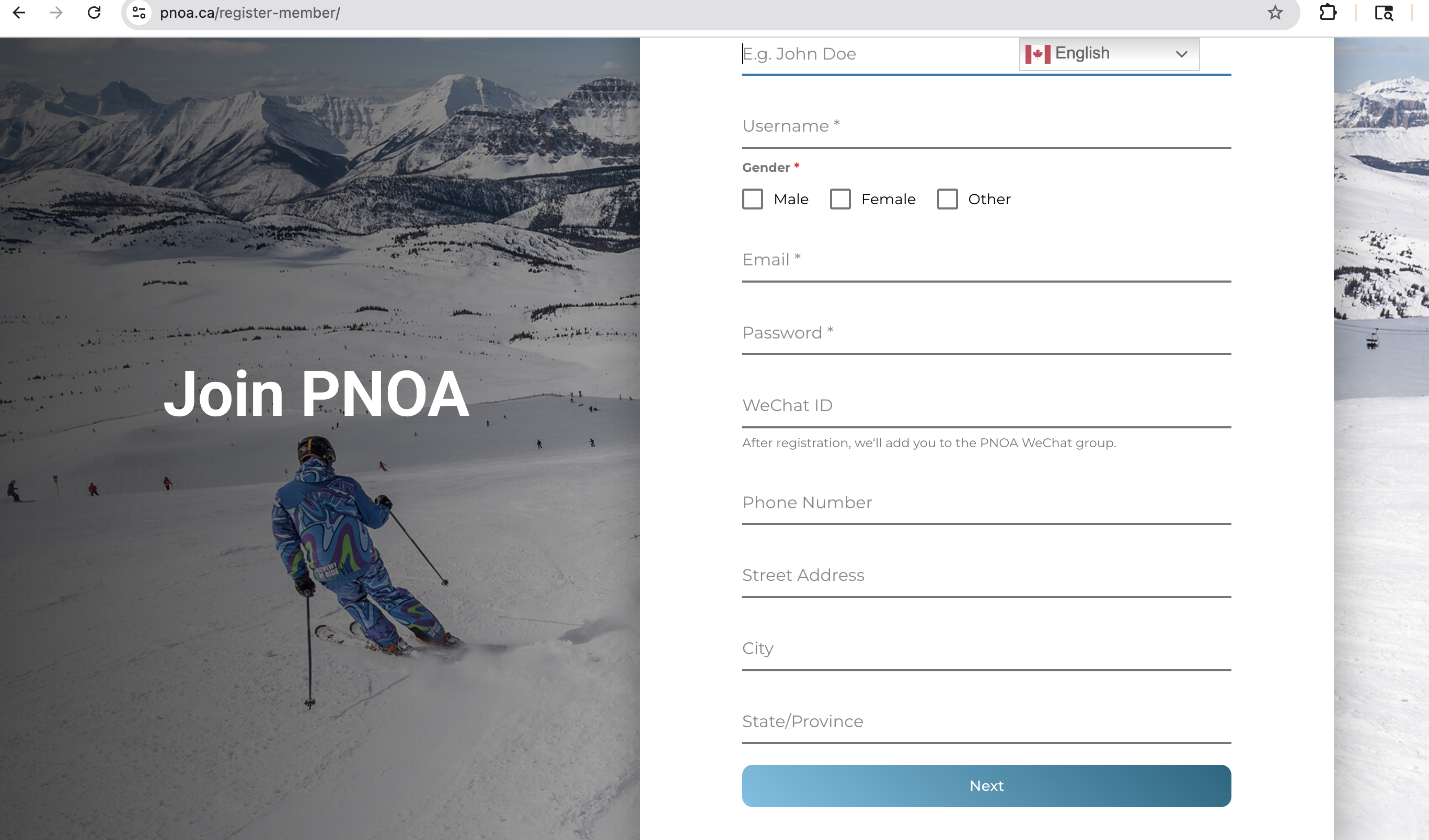
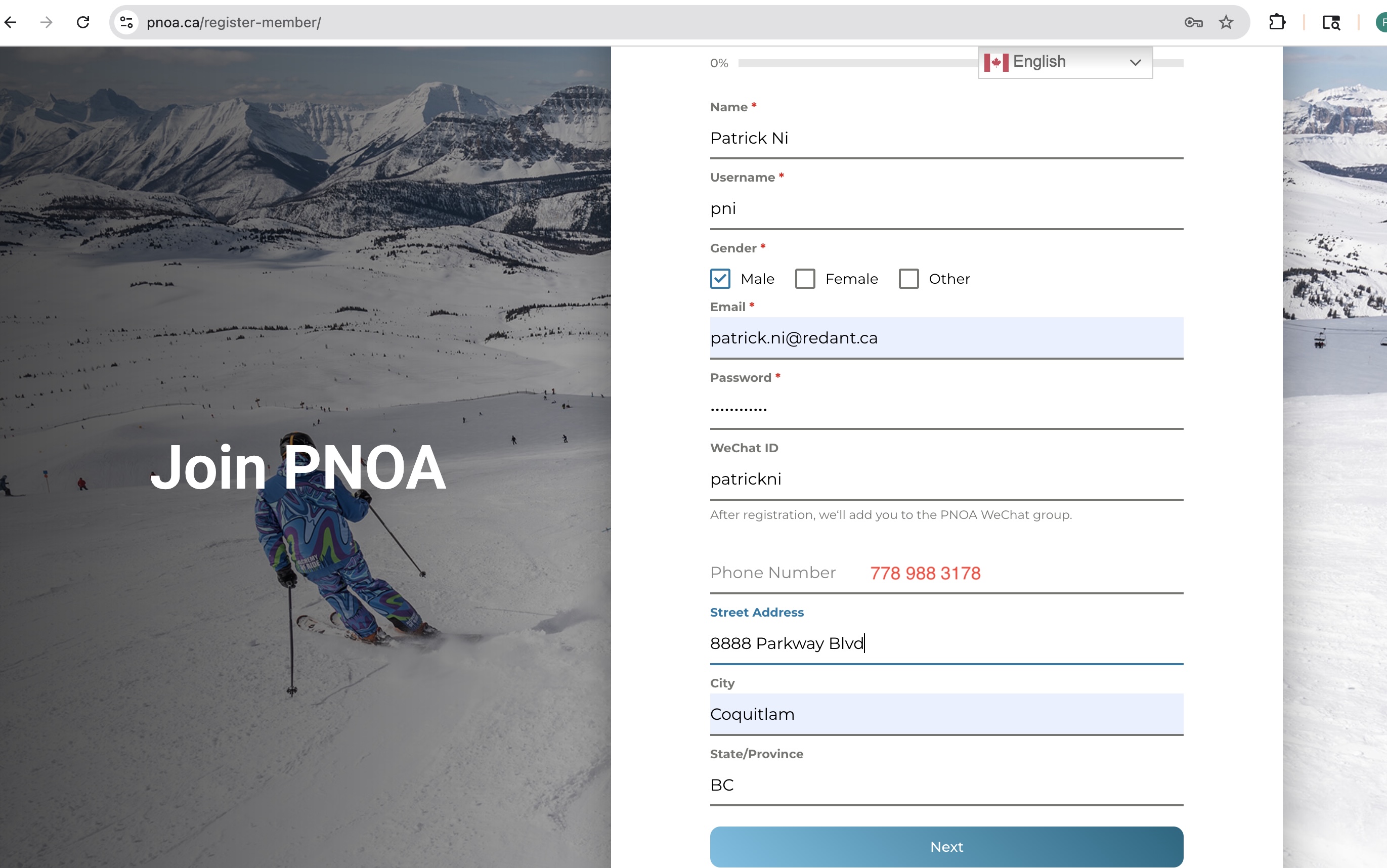
Click Next.
You will arrive at the Emergency Contact page.
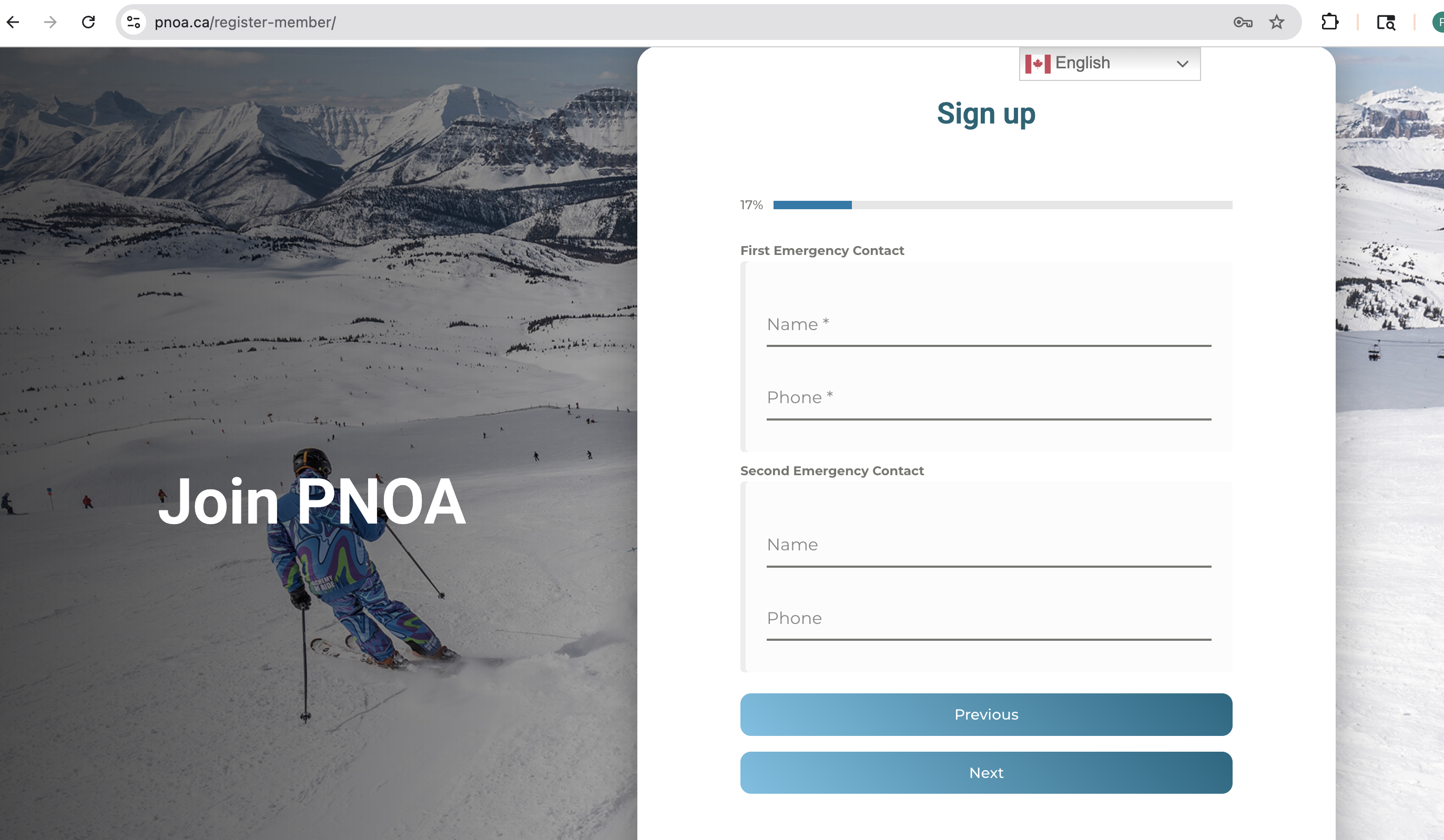
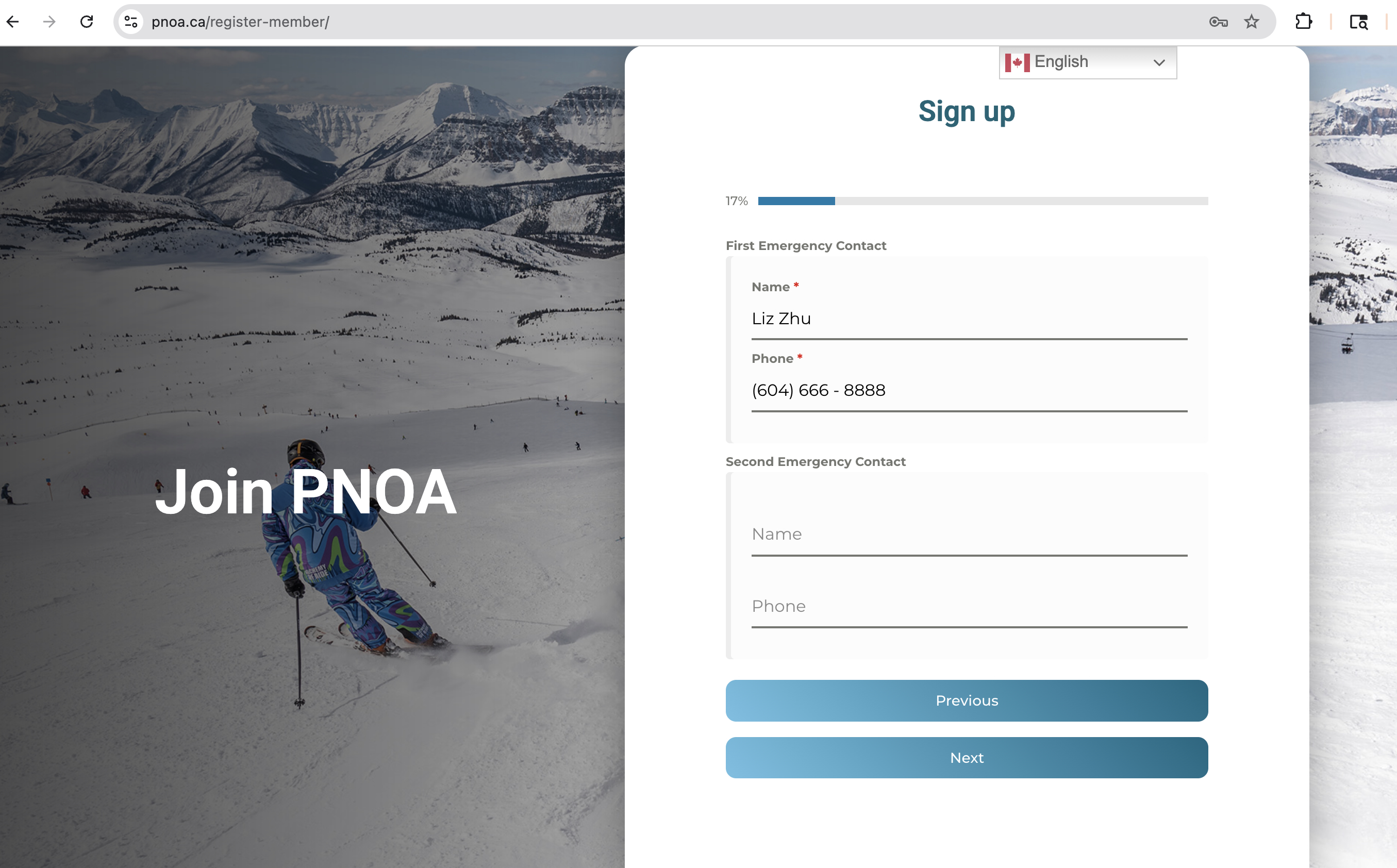
Click Next.
You will arrive at the Volunteer Application page.
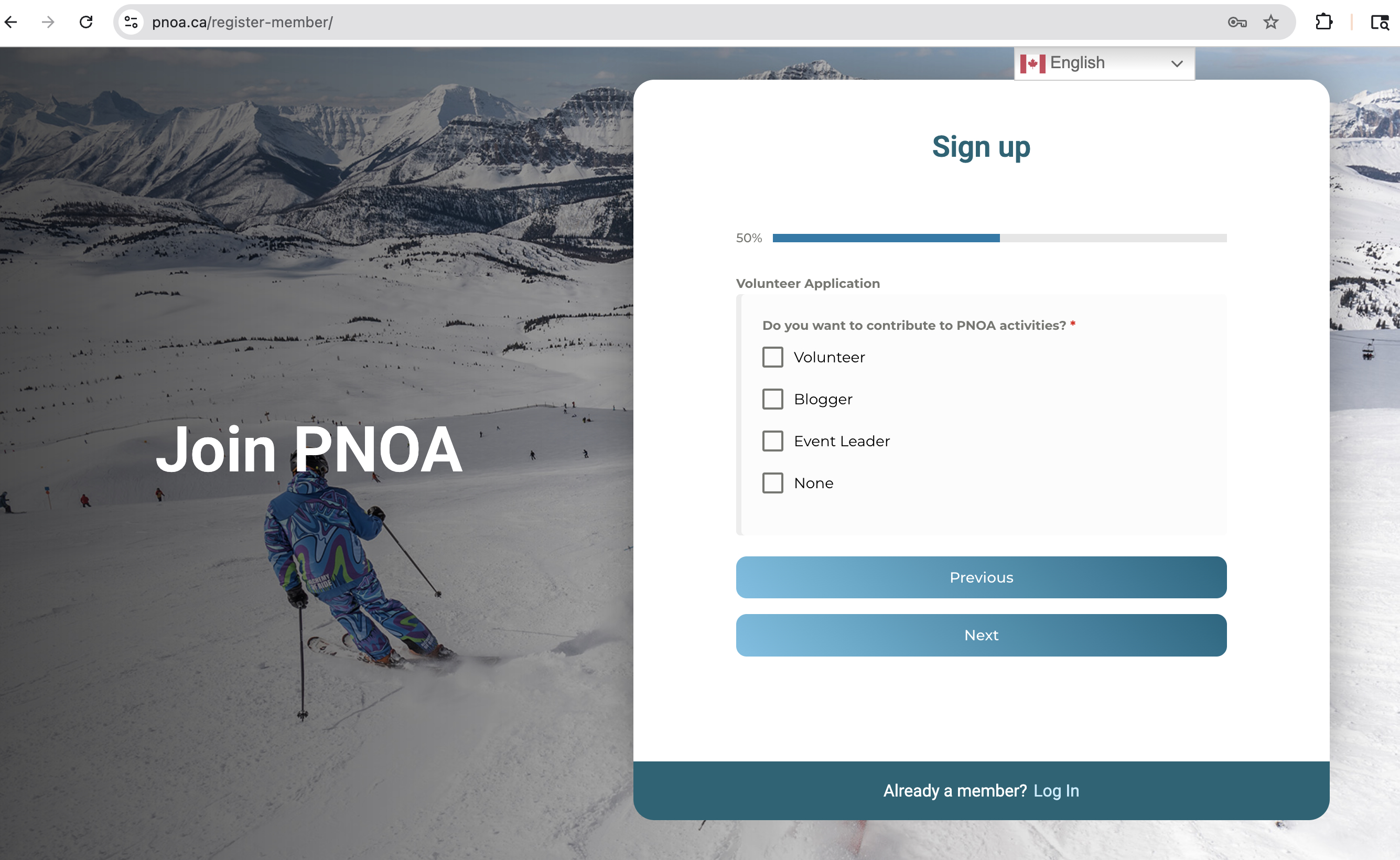
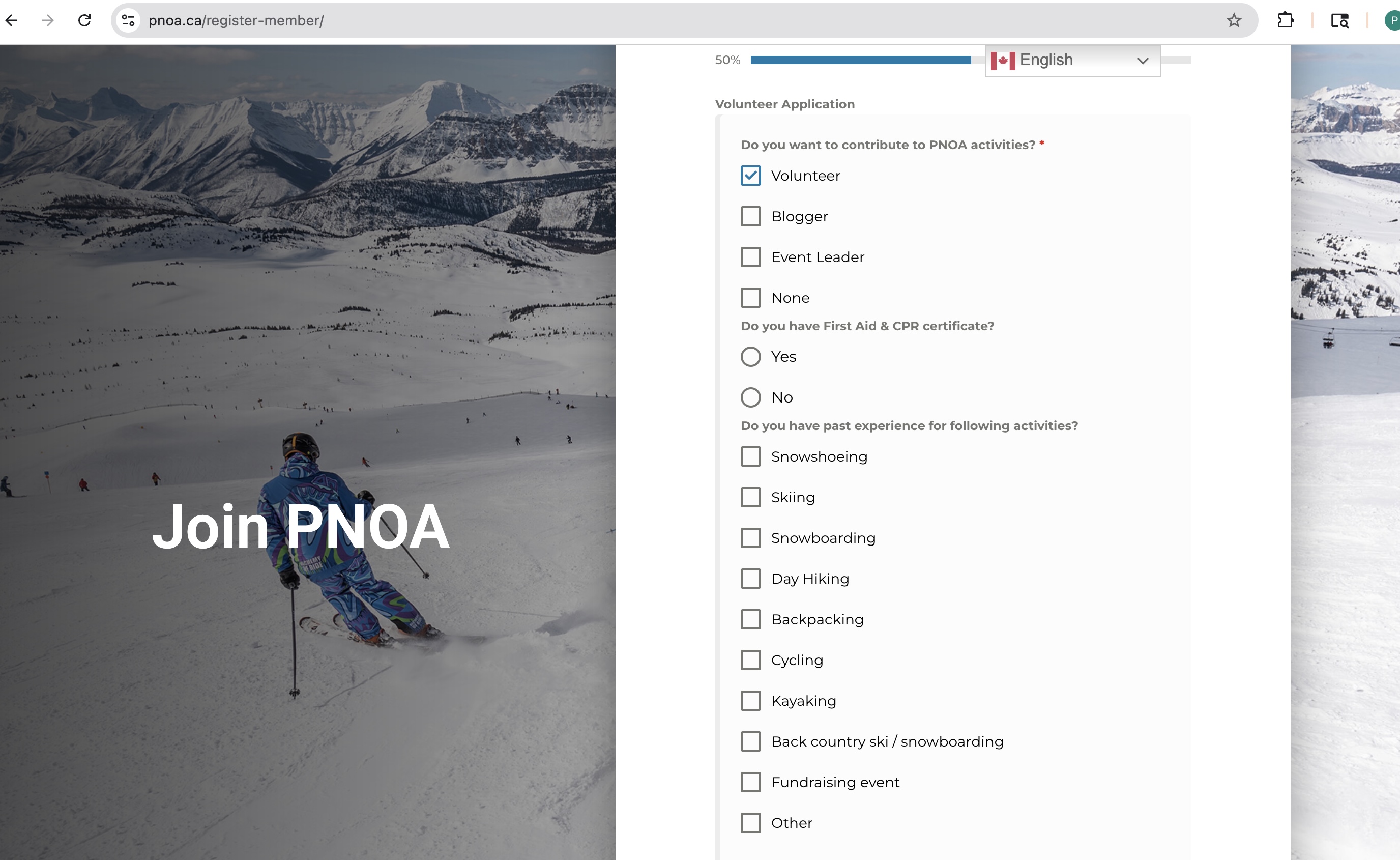
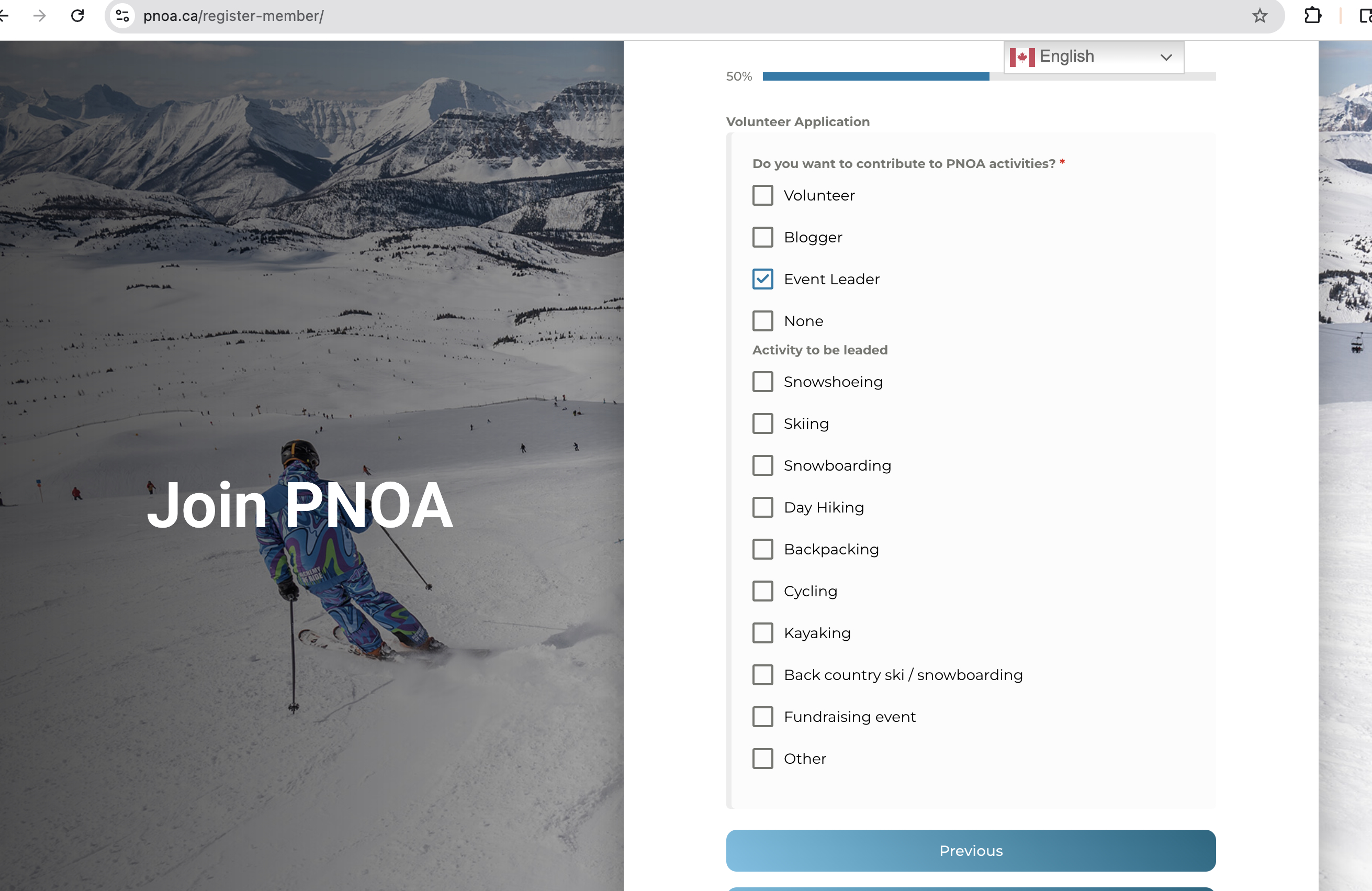
Click Next.
You will arrive at the Declaration / Consent / Waiver page.
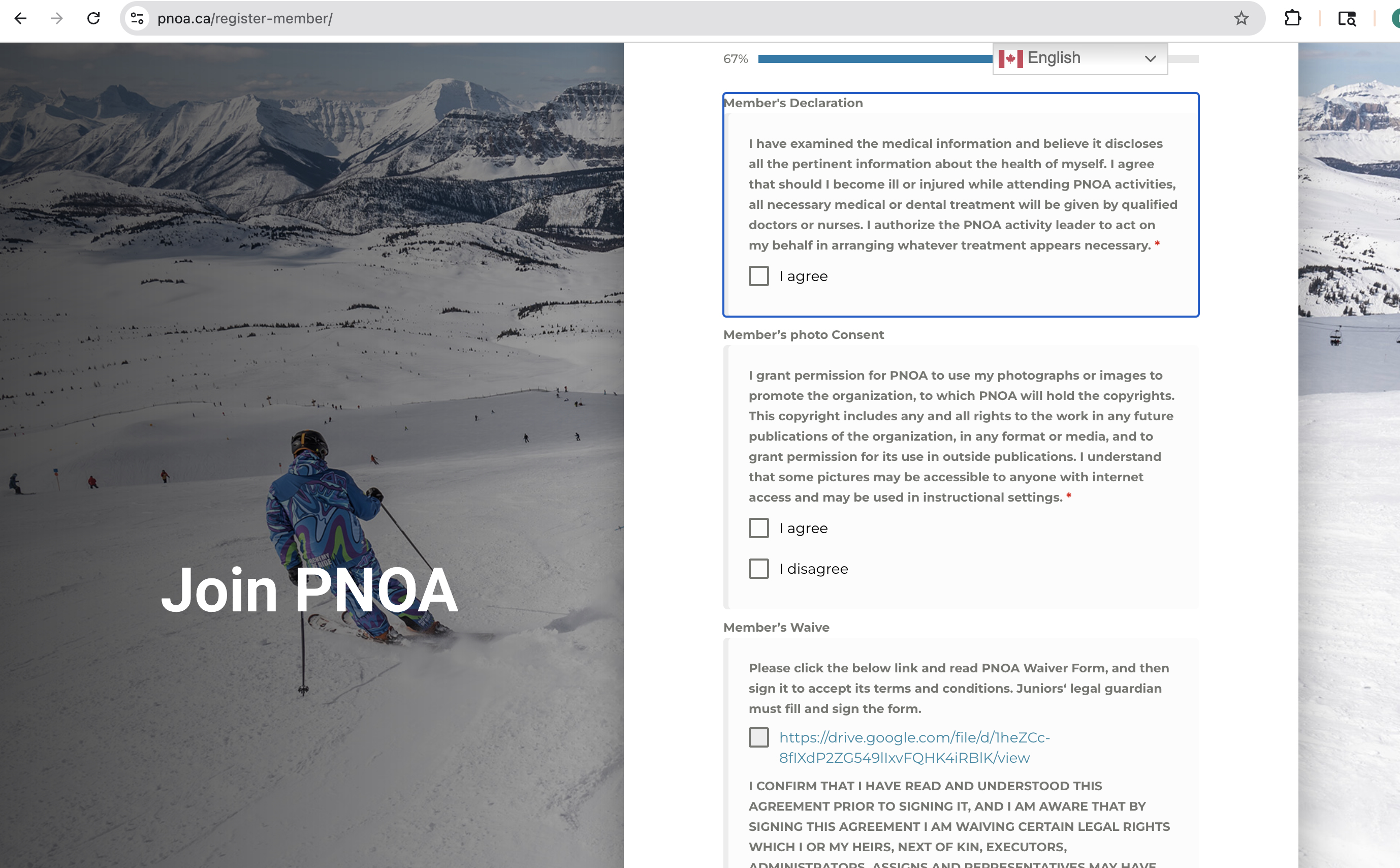
Right click the waiver link.
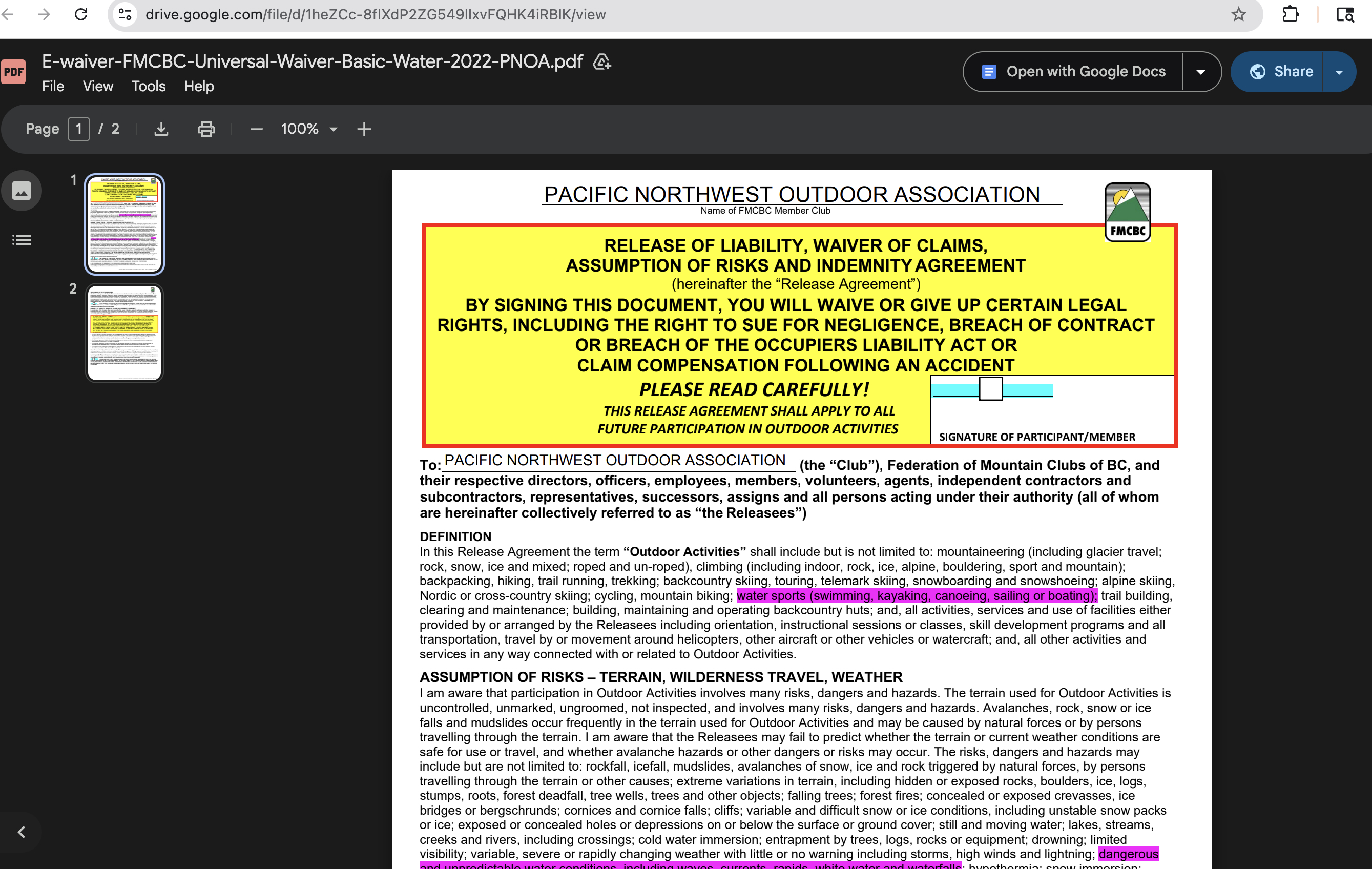
Read and understand the waiver. Then go back, check the box, and sign your name.
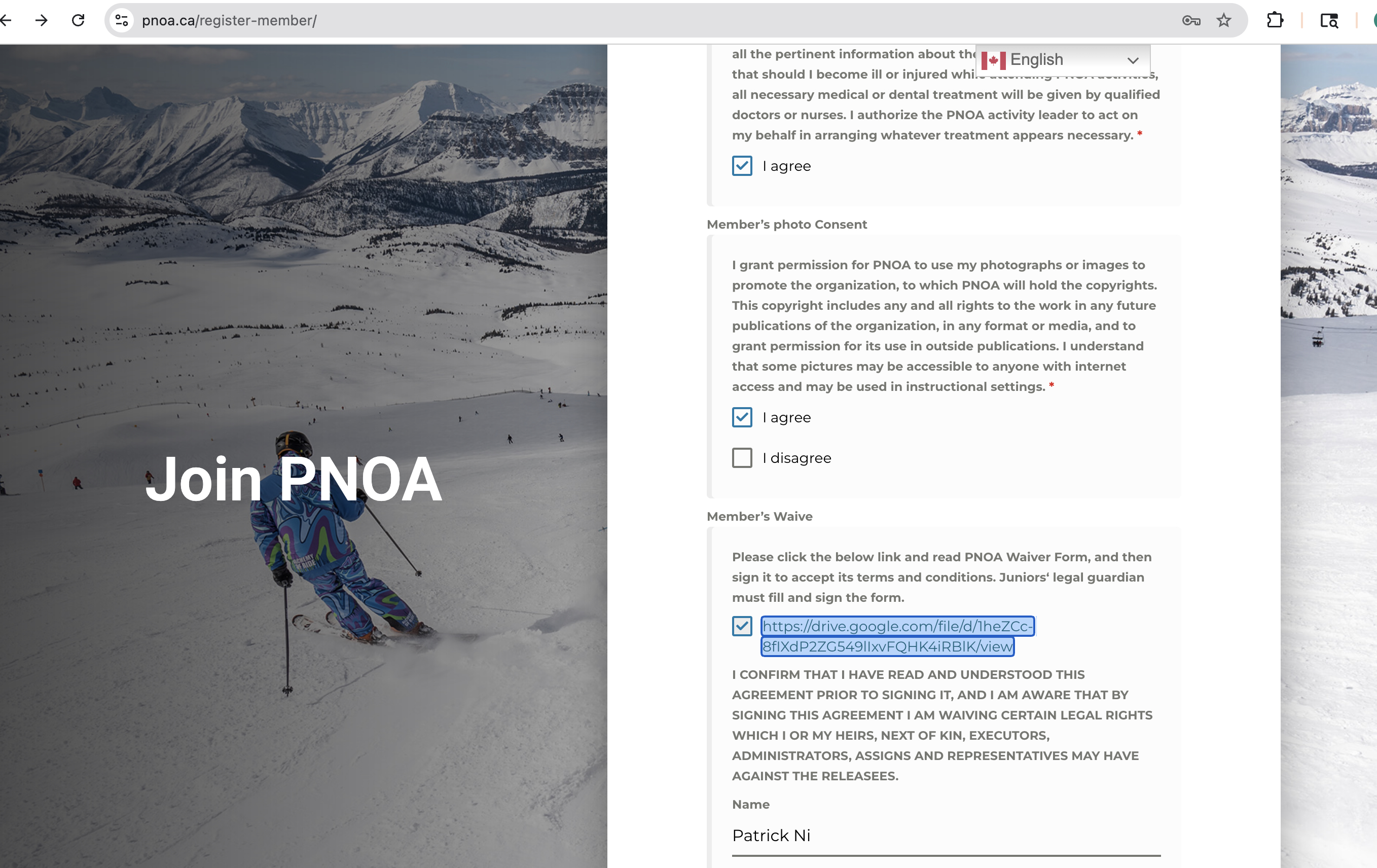
Click Next.
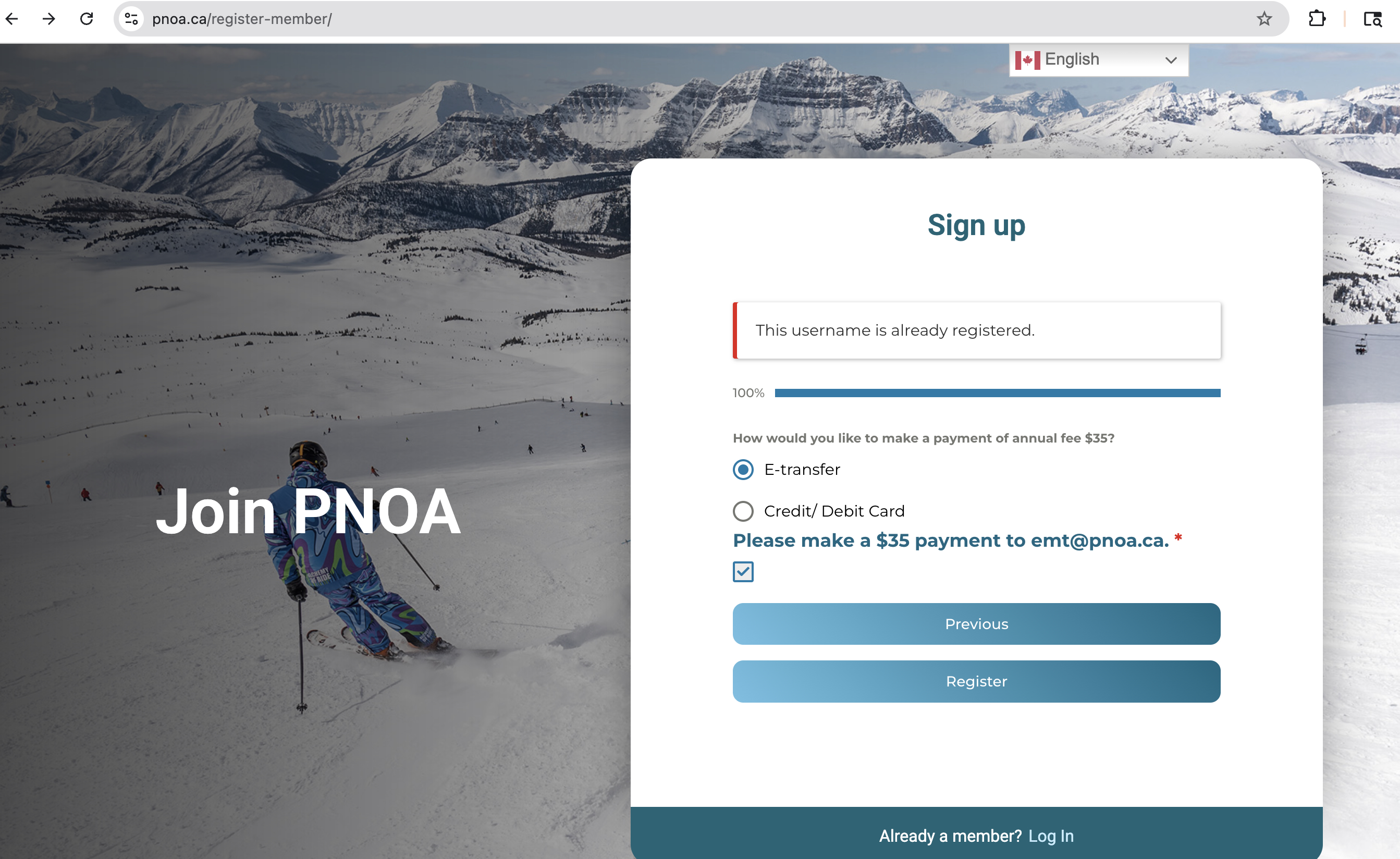
You will arrive at the payment page. As of this writing, Credit/Debit is not working, so choose E-transfer.
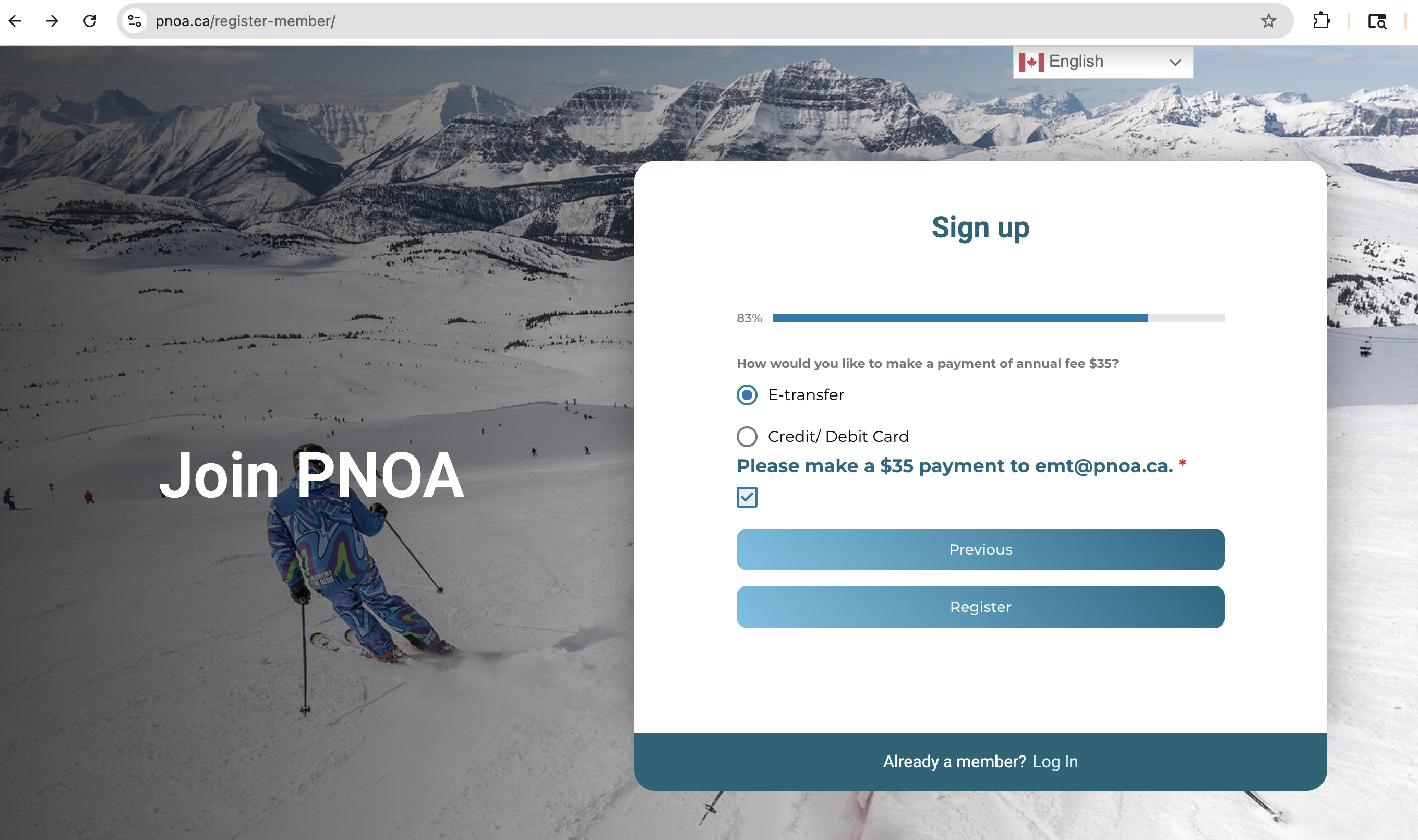
Click Next.
Result of sign-up.